12 Oct 2026
Email vs SMS Verification: Choose the Right Method for You Today
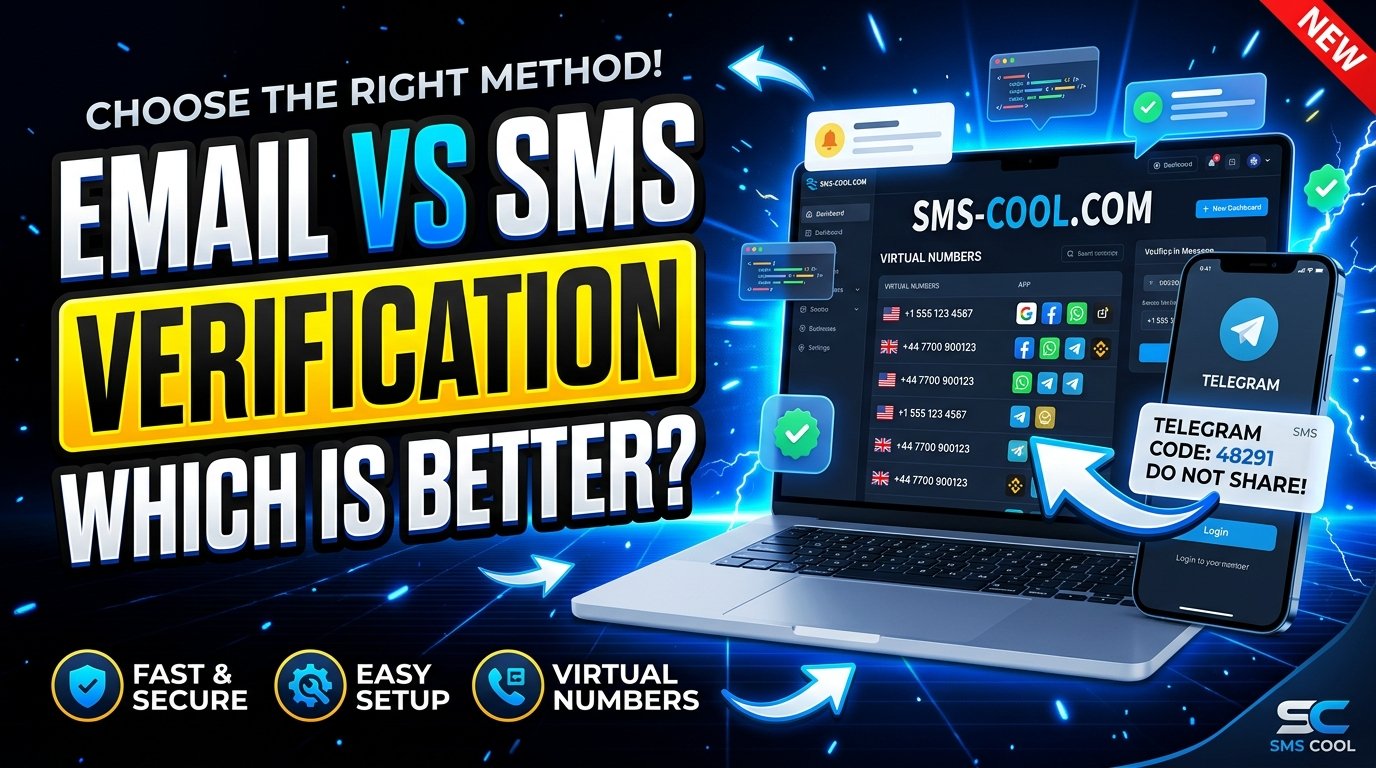
How to Choose Between Email and SMS Verification
Online security has become an essential part of everyday digital life. Whether you are creating an account, signing in to an application, registering for a service, or protecting a business platform, verification helps confirm that you have access to a particular email address or phone number.
Two of the most common methods are email verification and SMS verification. Both can make account registration easier to manage, but they work differently and serve different needs.
Email verification is often convenient for users who prefer managing their accounts through their inboxes. SMS verification, on the other hand, can provide a quick way to receive a one-time password (OTP) or confirmation code on a phone number.
So, which option should you choose?
The answer depends on your security requirements, audience, privacy preferences, and intended use. For people who need a separate number for supported verification tasks, SMS COOL offers virtual phone numbers and online SMS receiving options worth considering.
Let's explore the differences and help you make an informed decision.
What Is Email Verification?
Email verification is a process used to confirm that someone can access a particular email address. Websites and applications commonly use it during registration, login, password recovery, or important account changes.
After entering an email address, the user receives a message containing a verification link or code. Following the instructions confirms access to that inbox.
Advantages of Email Verification
Email verification offers several practical benefits:
- Convenient access: Users can check their inbox from a computer, tablet, or smartphone.
- No additional phone number required: The process works without asking users to provide a mobile number.
- Easy recordkeeping: Verification messages can remain in the inbox for future reference.
- Cost-effective communication: Email is often an economical option for businesses that already operate email systems.
- Familiar user experience: Most internet users understand how to open a verification email and follow its instructions.
Limitations of Email Verification
Email is not perfect for every situation. Messages can land in spam folders, arrive late, or get lost among other emails.
Users may also forget their email passwords or lose access to an account. If an email account is compromised, verification messages may be exposed to an unauthorized person.
Email verification confirms access to an inbox; it does not automatically prove someone's real-world identity or guarantee account security.
What Is SMS Verification?
SMS verification uses text messages to confirm access to a phone number. A website or application sends a one-time password or verification code to the number provided by the user.
The user enters that code into the relevant website or application to complete the verification process.
SMS verification is commonly used for account registration, login confirmation, password recovery, and additional authentication steps.
Advantages of SMS Verification
SMS verification offers several benefits:
- A familiar process: Most mobile phone users know how to read a text message.
- Direct code delivery: Verification messages arrive through the SMS messaging system rather than an email inbox.
- Useful for mobile experiences: It can fit naturally into smartphone registration and login workflows.
- Phone number confirmation: It helps establish that a user can receive messages at the number provided.
- Flexible number options: Depending on the service and the website's rules, users may be able to use a temporary phone number or virtual phone number.
Limitations of SMS Verification
SMS messages depend on telecommunications networks and the receiving number's availability. Delivery can be delayed, and some websites restrict virtual or temporary numbers.
SMS also has security limitations. SIM-swapping attacks, compromised devices, and intercepted messages can put SMS-based authentication at risk.
For sensitive accounts, stronger authentication methods, such as passkeys or authenticator apps, may offer better protection.
Email vs SMS Verification: Key Differences
Although both methods confirm access to a contact channel, they differ in convenience, privacy, delivery, and security.
Comparison factorEmail verificationSMS verificationDelivery methodEmail inboxText messageRequired informationEmail addressPhone numberInternet accessNeeded to access email servicesNeeded for online account access; SMS itself uses a mobile networkCommon formatVerification link or codeOne-time password or codeCommon inconvenienceSpam filters and crowded inboxesDelayed messages and network issuesPrivacy considerationMay expose an email addressMay expose a personal phone numberBest suited forRegistrations and inbox-based workflowsPhone confirmation and SMS-based authentication
Neither method is universally better. The right choice depends on what you need to verify and how much friction you want to introduce into the user experience.
Advantages and Disadvantages of Both Methods
Email Verification: Pros and Cons
Pros
- Easy to access across multiple devices.
- Does not require a mobile number.
- Suitable for account registration and email-based communication.
- Makes it convenient to revisit verification instructions.
Cons
- Messages may be delayed or filtered.
- Users must have access to their inbox.
- Compromised email accounts can create security risks.
- Repeated verification messages can clutter the inbox.
SMS Verification: Pros and Cons
Pros
- Provides a familiar way to receive one-time codes.
- Supports workflows that specifically require phone number verification.
- Can work well for mobile-focused applications.
- A suitable virtual number can help separate personal contact information from certain online activities.
Cons
- Depends on message delivery and number availability.
- May incur service or messaging costs.
- Some platforms block temporary phone numbers.
- SMS codes can be vulnerable to certain attacks.
Understanding these trade-offs helps individuals and businesses select a method that fits their requirements rather than choosing one simply because it is popular.
When Should You Choose Email Verification?
Email verification is often the better choice when an account primarily relies on email communication or when collecting phone numbers is unnecessary.
Consider email verification if you:
- Run a newsletter, online community, or content website.
- Need to confirm that a subscriber controls an email address.
- Want to avoid collecting additional personal contact information.
- Offer a service that does not require phone-based authentication.
- Need a convenient channel for registration links and account notifications.
For businesses, email can also be practical for welcoming new customers, confirming registrations, and managing routine account communications.
However, email verification alone may not be sufficient for high-risk transactions or accounts that require stronger authentication.
When Should You Choose SMS Verification?
SMS verification is useful when confirming access to a phone number is part of the registration or authentication process.
It may be appropriate when you:
- Operate a mobile application that requires phone number confirmation.
- Need an additional authentication step for selected account activities.
- Manage a service where phone-based contact is essential.
- Test an application that sends OTP messages.
- Want a separate number for a supported, legitimate online verification task.
Users who do not want to provide their primary mobile number everywhere may consider a virtual phone number, provided the platform permits it.
For important personal, financial, or business accounts, use a number you control and can reliably access again. A temporary number may not be suitable when future account recovery depends on that number.
How SMS COOL Makes SMS Verification Easier
Finding a suitable number for online verification can be inconvenient, particularly when you do not want to use your personal mobile number for every supported online activity.
SMS COOL provides a platform for accessing virtual phone numbers and receiving SMS verification messages online. Its official website describes instant virtual numbers, number-rental options, and an online dashboard for receiving supported verification messages.
The basic process is straightforward:
- Choose a supported service: Identify the website or application where you need to complete verification.
- Check the available options: Review the available number, country, usage type, and applicable price.
- Use the number appropriately: Enter the selected number where the target platform accepts virtual numbers.
- Receive the verification message: Check the SMS COOL interface for the incoming code.
- Complete verification: Enter the code on the original website or application, following its instructions.
Availability and successful delivery depend on the selected number, destination service, and that platform's verification policies. Review the applicable terms before making a purchase.
Explore the official platform at SMS COOL to see the available options.
Key Features and Benefits of SMS COOL
When comparing an SMS verification service, it is important to distinguish documented capabilities from assumptions. The following points are based on information published on the SMS COOL website.
1. Virtual Phone Numbers
SMS COOL offers virtual numbers for supported verification tasks. This can be useful when you need a separate number rather than using your everyday mobile number.
A virtual number does not automatically guarantee anonymity or complete privacy, so review the provider's privacy policy and the target platform's rules.
2. Online SMS Receiving
The platform supports receiving verification messages through its online interface for supported services. This allows you to check incoming codes through the service rather than relying exclusively on your personal handset.
3. Short-Term and Rental Options
SMS COOL describes options for one-time number use and longer-term number rentals. The appropriate choice depends on whether you need a single verification or continued access to a number.
Check the current rental duration, renewal conditions, and refund terms before purchasing.
4. A Range of Supported Services
SMS COOL lists multiple online platforms and services that can be selected for verification. However, availability varies, and a number that works for one platform may not work for another.
Always check the current service list before proceeding.
5. Developer API
For technical users, SMS COOL documents API integration for supported number and verification workflows. This may be relevant to developers who need to connect supported operations with their own applications or automation processes.
Review the official features page and available API documentation to determine whether the functionality matches your requirements.
6. Pay-As-You-Go Access
The official website describes a pay-as-you-go model without a required subscription. Check the current displayed prices, account funding requirements, and transaction terms before purchasing.
These features make SMS COOL a practical option to evaluate when your goal is to receive SMS online for a supported verification task.
How to Choose the Right Verification Method
Before choosing between email and SMS verification, consider these five questions.
1. What Are You Trying to Verify?
If you need to confirm access to an inbox, email verification is a natural fit. If a service requires confirmation of a phone number, SMS verification may be necessary.
2. How Sensitive Is the Account?
For low-risk registrations, either method may be sufficient depending on the application's requirements. Sensitive accounts should use stronger authentication where available, rather than relying on email or SMS alone.
3. What Does Your Audience Prefer?
Consider how users access your service. An email-first workflow may be easier for desktop users, while phone verification may fit a mobile application more naturally.
4. What Are the Privacy Implications?
Collect only the information you need. If a user needs a separate number for an allowed, low-risk task, a virtual number may be appropriate. Avoid temporary numbers for accounts where you need reliable long-term recovery.
5. What Does the Platform Support?
Some services accept email verification, others require SMS, and some provide several options. Check the relevant requirements before deciding.
For businesses, the best approach is to balance usability, cost, fraud prevention, and account security. For individuals, the priority may be convenience, accessibility, and keeping personal contact information separate.
Final Thoughts
Email verification and SMS verification solve related but different problems. Email is convenient for inbox-based registration and communication, while SMS is useful when a service needs to confirm access to a phone number.
Neither method is completely secure on its own, and your decision should reflect the sensitivity of the account, your privacy needs, and the requirements of the service you are using.
If you need a virtual phone number or a way to receive SMS online for a supported verification task, SMS COOL is a practical solution to explore. Its virtual number options, online SMS receiving interface, rental choices, and documented API make it relevant for users with different verification needs.
Review the available services, compare the applicable terms, and choose the verification method that best fits your situation.