12 Oct 2026
SMS Verification vs Email Verification: Which Is Better?
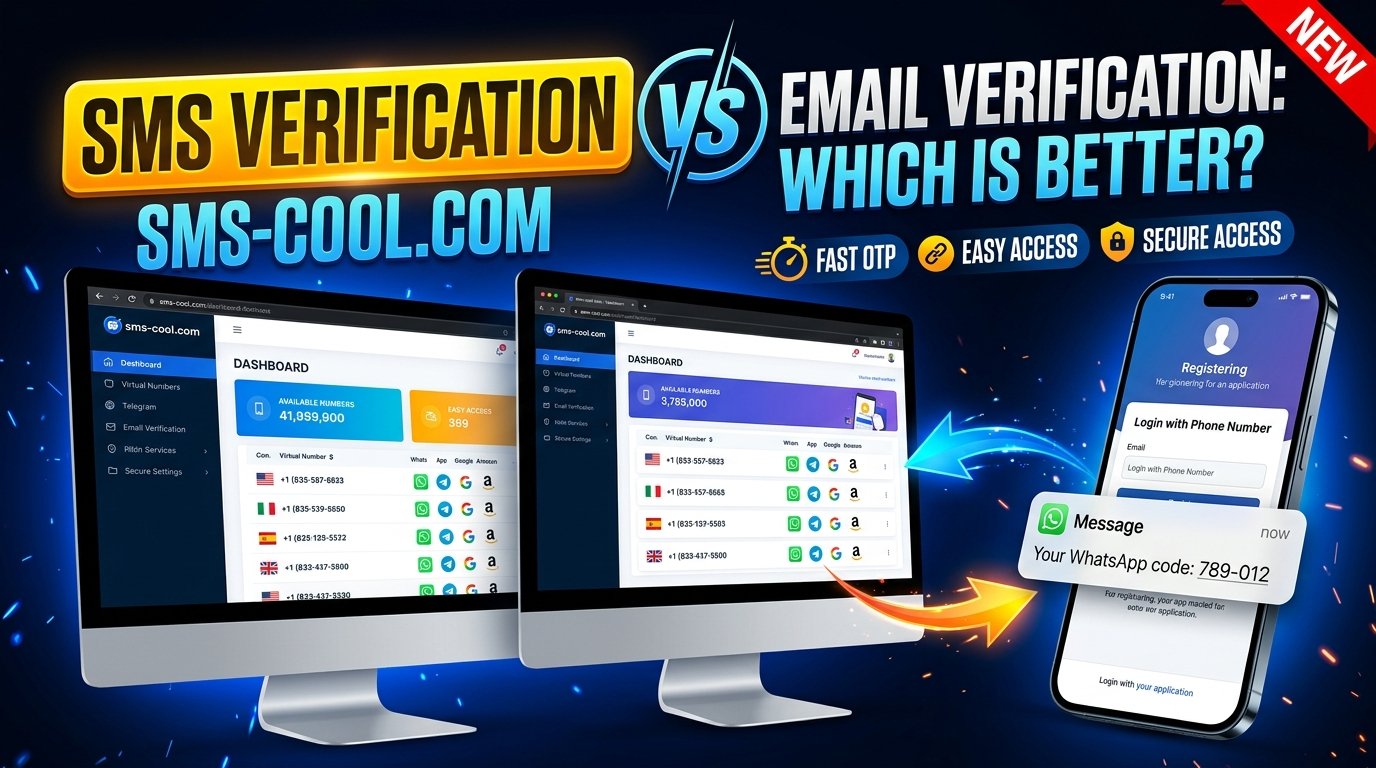
SMS Verification vs Email Verification: Which Is Better for You?
Introduction
Every time someone creates an account, signs in to a platform, or resets a password, one important question arises: how can the service confirm that the user is genuine?
Online verification helps businesses protect accounts, reduce unauthorized access, and create a safer user experience. Two of the most common methods are SMS verification and email verification. Although both help confirm user information, they differ in speed, accessibility, security considerations, and practical applications.
Understanding SMS verification vs email verification can help businesses, developers, marketers, and startups choose the right authentication strategy.
Email verification is useful for confirming that an email address exists and can receive messages. SMS verification, on the other hand, uses a mobile phone number and a text message containing a one-time password (OTP) or verification code.
For businesses that need phone-based authentication, SMS COOL is worth exploring as a practical way to access SMS verification functionality. The right solution depends on your requirements, supported services, and the level of protection your application needs.
Let's compare both methods and discover when SMS verification may be the better choice.
What Is SMS Verification?
SMS verification is an authentication process that sends a temporary verification code to a mobile phone number through a text message. The user enters that code into a website or application to complete a specific action.
For example, when registering for an online service, a user may be asked to enter a phone number. The platform sends an OTP, and the user enters the received code to demonstrate access to that number.
This process is commonly called SMS OTP verification or phone number verification.
How SMS verification works
- A user enters a mobile phone number.
- The platform initiates an SMS verification request.
- A verification code is sent to the number.
- The user enters the code on the platform.
- The system validates the code and completes the verification process.
Businesses use SMS verification for account registration, password recovery, login confirmation, transaction approval, and other authentication workflows.
An SMS verification service such as SMS COOL may be useful when users need access to phone-based verification functionality. Before choosing any service, check its available numbers, supported platforms, intended use, and applicable terms.
It is also important to remember that verifying access to a phone number does not automatically establish someone's real-world identity.
What Is Email Verification?
Email verification confirms that a user can access a particular email address or that the address is suitable for receiving messages.
There are two common approaches. The first sends a verification link that the user clicks to confirm the address. The second sends a one-time code that the user enters into the application, known as email OTP verification.
How email verification works
- A user enters an email address.
- The platform sends a verification email or OTP.
- The user opens the message.
- The user clicks the link or enters the code.
- The system confirms the verification request.
Email verification is widely used for newsletter subscriptions, account registration, password recovery, onboarding, and communication preferences.
It can also help businesses identify incorrectly entered addresses and improve the quality of their contact databases.
However, email verification does not necessarily prove a person's identity. A user may have access to a shared mailbox, a compromised account, or an address that does not represent their real identity.
SMS Verification vs Email Verification: Key Differences
Both methods can support account verification, but their strengths vary depending on the application, audience, and security requirements.
Comparison factorSMS verificationEmail verificationDelivery channelMobile text messageEmail inboxInformation verifiedAccess to a phone numberAccess to an email addressUser requirementAccess to the relevant phone number and SMS serviceAccess to the relevant email accountTypical experienceEnter a code received by textClick a link or enter a codeCommon delaysCarrier delivery issues or weak cellular coverageSpam filtering, inbox delays, or synchronizationPotential costsSMS delivery and service fees may applyEmail delivery may be inexpensive, depending on the providerSecurity risksSIM swapping, number recycling, interception, and social engineeringPhishing, mailbox compromise, and malicious linksCommon usesPhone verification, login codes, transaction confirmationAccount activation, newsletters, onboardingBest suited forWorkflows that require phone-number verificationWorkflows that require email-address verification
Speed and convenience
SMS verification can be convenient when a user has their phone nearby and receives messages promptly. It allows the user to complete verification without opening an email inbox.
Email verification is also convenient, especially for people who regularly use email across their devices. However, a message may be delayed, filtered into spam, or overlooked among other emails.
Neither method guarantees immediate delivery. Network conditions, provider infrastructure, and user behavior can affect the experience.
Accessibility and cost
Email verification is accessible to people with an internet connection and an active email account. SMS verification requires access to a compatible phone number and the ability to receive text messages.
SMS delivery can introduce additional costs, particularly for businesses handling large verification volumes or supporting multiple countries. Email costs depend on the provider, sending volume, and infrastructure.
The best choice depends on your audience, budget, and operational requirements.
Advantages and Disadvantages of SMS Verification
SMS verification offers several practical benefits, especially when a business needs to confirm phone-number access.
Advantages of SMS verification
1. Convenient OTP delivery
Users can receive a verification code through their phone's messaging application. This can make the process straightforward for mobile-first audiences.
2. Phone number verification
Businesses can confirm that a user has access to the submitted number. This is valuable for services that depend on phone-based communication, delivery coordination, or mobile account management.
3. Useful for time-sensitive workflows
SMS OTP verification can support login confirmation, password resets, and transaction checks when implemented with appropriate safeguards.
4. Flexible authentication workflows
Developers can incorporate SMS codes into registration flows, account recovery, or an additional authentication step.
5. Practical for mobile applications
For applications centered on mobile devices, SMS verification can fit naturally into the registration and sign-in experience.
Disadvantages of SMS verification
SMS verification also has limitations.
- Delivery dependency: Messages may be delayed or fail because of network conditions, carrier restrictions, or unsupported numbers.
- Potential costs: Businesses may incur charges for sending messages, receiving codes, or using a third-party service.
- Security weaknesses: SIM swapping, number porting attacks, phishing, and compromised devices can undermine SMS-based authentication.
- Number changes: Users may lose access to a number or receive a recycled number previously associated with another account.
- Privacy considerations: Collecting phone numbers introduces additional data-handling responsibilities.
These risks do not make SMS verification useless. They mean businesses should implement sensible controls, including short-lived codes, attempt limits, rate limiting, and alternative account recovery options.
Advantages and Disadvantages of Email Verification
Email verification remains an important part of account management because most online services already rely on email for communication.
Advantages of email verification
1. Convenient account activation
Users can confirm their addresses by clicking a link or entering an OTP, making email suitable for many registration workflows.
2. Useful for communication management
Verified addresses help businesses deliver account notifications, receipts, newsletters, and password-reset messages to reachable inboxes.
3. Often cost-effective
Email can be economical for high-volume communication, depending on the provider and sending requirements.
4. Works across devices
Users can access email through phones, tablets, and computers, providing flexibility during account setup.
5. Supports asynchronous workflows
Unlike a short-lived SMS code, an email verification link may remain available for a defined period, depending on the application's configuration.
Disadvantages of email verification
Email verification has its own challenges:
- Messages can land in spam or promotional folders.
- Users may enter incorrect addresses or forget their passwords.
- Shared or compromised inboxes can expose verification messages.
- Clicking external links can create phishing concerns if users cannot identify legitimate messages.
- Email verification alone does not confirm access to a mobile phone number.
Ultimately, email is an excellent tool for confirming email ownership, but it is not a substitute for phone-number verification when a phone number is required.
Which Verification Method Is More Secure?
The answer depends on the threat model and how the verification system is implemented.
SMS verification and email verification can both help prevent unauthorized account creation and support account recovery. However, neither is automatically secure simply because it sends a code or link.
SMS-based authentication is vulnerable to SIM swapping, fraudulent number transfers, and social engineering. Email verification can be compromised when attackers gain access to an inbox through phishing, password reuse, or stolen credentials.
For sensitive accounts, businesses should consider stronger authentication methods, such as passkeys or authenticator applications, where appropriate.
Two-factor authentication (2FA) should also be designed carefully. Two channels are not necessarily two independent factors: access to an email account and a phone number may both be compromised through the same attack.
A strong authentication strategy can combine:
- Secure password handling and account recovery.
- Short-lived, single-use verification codes.
- Rate limits and protection against repeated attempts.
- Monitoring for suspicious activity.
- Additional verification for high-risk actions.
- Clear privacy practices and minimal data collection.
The key takeaway: SMS verification is useful for confirming phone-number access, while email verification is useful for confirming email access. Choose the method that matches the risk and purpose of the workflow.
When Should Businesses Use SMS Verification Instead of Email Verification?
SMS verification may be the better option when confirming a user's phone number is an essential part of the service.
Consider using it for:
- Mobile app registration: Confirm that users can receive messages at their submitted phone numbers.
- Phone-based account recovery: Offer a code-based recovery option when the number has been appropriately verified and the workflow is secure.
- Login confirmation: Add a verification step when risk signals or business requirements justify it.
- Delivery and booking services: Help verify contact numbers needed for operational communication.
- Transaction workflows: Use SMS codes as one part of a broader security process when appropriate.
- Online services requiring phone access: Integrate phone number verification into the onboarding process.
Email verification is generally more suitable when the primary requirement is confirming an email address, maintaining a mailing list, or activating an account without collecting a phone number.
Some businesses benefit from both. For example, an application might verify an email address during registration and request phone verification only when a user accesses a feature that genuinely requires it.
If your workflow requires phone-based OTP verification, SMS COOL may be an option to investigate. Confirm that the service supports your intended use case before integrating it into a production application.
How SMS COOL Simplifies SMS Verification
Choosing a suitable SMS verification platform can help make phone-based verification easier to manage. SMS COOL is a relevant option for users exploring SMS verification functionality and phone-based OTP workflows.
Rather than treating verification as an isolated technical step, businesses should consider how the service fits into the complete user journey.
A practical evaluation of SMS COOL should focus on three areas:
Convenience: Determine how users can access the SMS verification functionality and whether the available workflow fits their requirements.
Usability: Review the process for requesting a verification code, receiving it, and completing the intended verification action.
Workflow efficiency: Consider how the service fits into registration, account access, or other phone-verification processes, including any integration requirements.
For developers and businesses, it is important to confirm the supported platforms, number availability, pricing, documentation, and permitted uses directly with SMS COOL before relying on specific capabilities.
If you are considering temporary phone number verification, review the service's terms and the requirements of the platform where you intend to use the number. Temporary or shared numbers may be unsuitable for banking, sensitive accounts, or long-term account recovery.
Why Choose SMS COOL for SMS Verification?
The best SMS verification service is one that matches your requirements without adding unnecessary complexity.
SMS COOL is worth considering if you need to explore phone-based OTP verification as part of your online workflow. Its suitability will depend on the functionality available to you and the requirements of your intended application.
Before selecting SMS COOL, consider the following:
- Use-case fit: Does the service support the type of phone verification you need?
- Number availability: Are suitable numbers available for your target country and intended platform?
- Ease of use: Can you complete the verification process without unnecessary steps?
- Cost transparency: Are applicable fees and usage limits clearly explained?
- Security and privacy: Are the data-handling practices and permitted uses appropriate for your requirements?
- Support and documentation: Is the information you need available for your workflow?
For businesses, these checks help establish whether a service is suitable for routine verification or a more demanding production environment.
For individual users, ease of access and compatibility with the intended platform may be especially important.
SMS COOL should be evaluated on these practical criteria rather than unsupported promises about delivery rates, security guarantees, or universal platform compatibility.
Conclusion: SMS Verification vs Email Verification
The comparison between SMS verification vs email verification comes down to what you need to verify.
SMS verification confirms access to a phone number and is useful for mobile registration, phone-based OTP verification, and selected authentication workflows. Email verification confirms access to an email address and is well suited to account activation, communication management, and password recovery.
Neither method is universally superior. Both have usability benefits, operational limitations, and security risks. For sensitive applications, stronger authentication methods and layered security controls may be necessary.
If your workflow requires phone-based verification, SMS COOL is worth exploring as a practical SMS verification solution. Review its available functionality, terms, pricing, and compatibility with your intended use case before getting started.
Choose the verification method that fits your users, security requirements, and business goals—and make every verification step as clear and convenient as possible.